
Market order
When placing a spot order on OPSIN, you can choose between two powerful modes: Market and Fast Mode. Both are designed to give you flexibility and speed depending on your trading style.
Market
Market Mode lets you input the exact amount of SOL, ETH, BNB or MON you want to spend. To use it, just select Market from the dropdown menu.
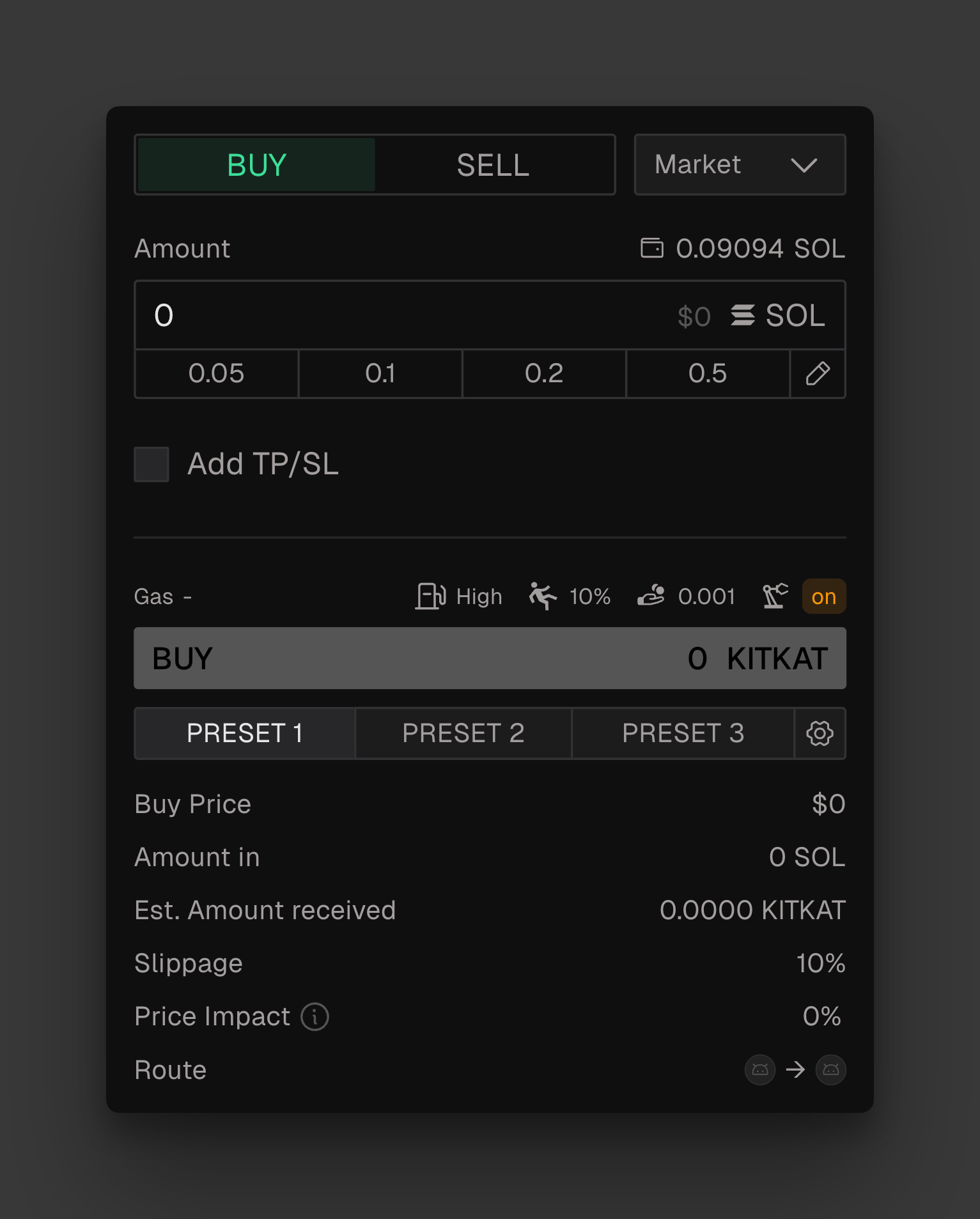
This is the best option when you want precision in your trade size or need a moment to review settings before execution.
Automatic TP/SL
You can add multiple Take Profit (TP) and Stop Loss (SL) levels to your order, as well as define specific execution conditions.
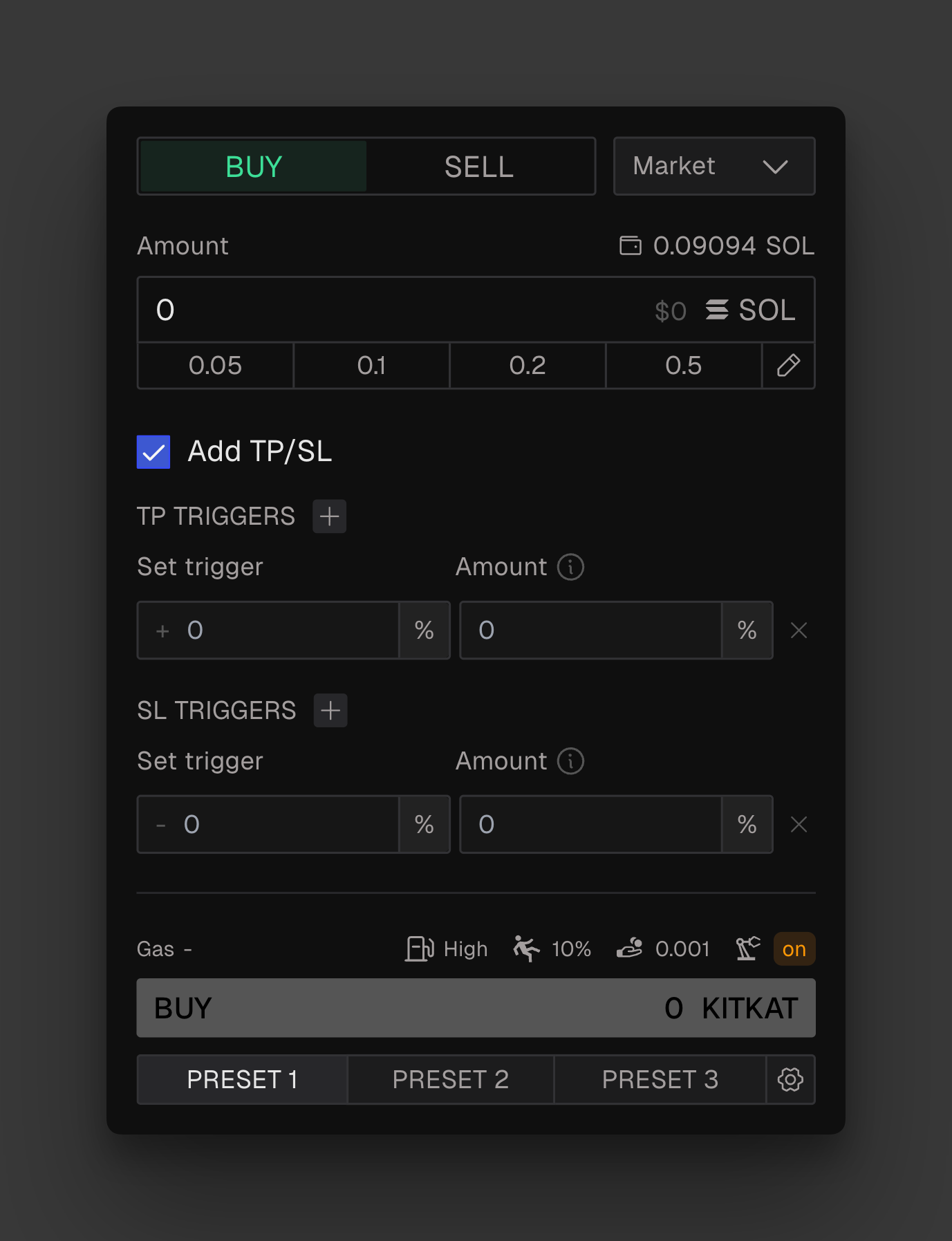
You can set up to 5 TPs and 5 SLs per order. All active orders can be managed individually from the Open Orders panel.