Chart details
With OPSIN you can view directly on chart a wide array of informations.
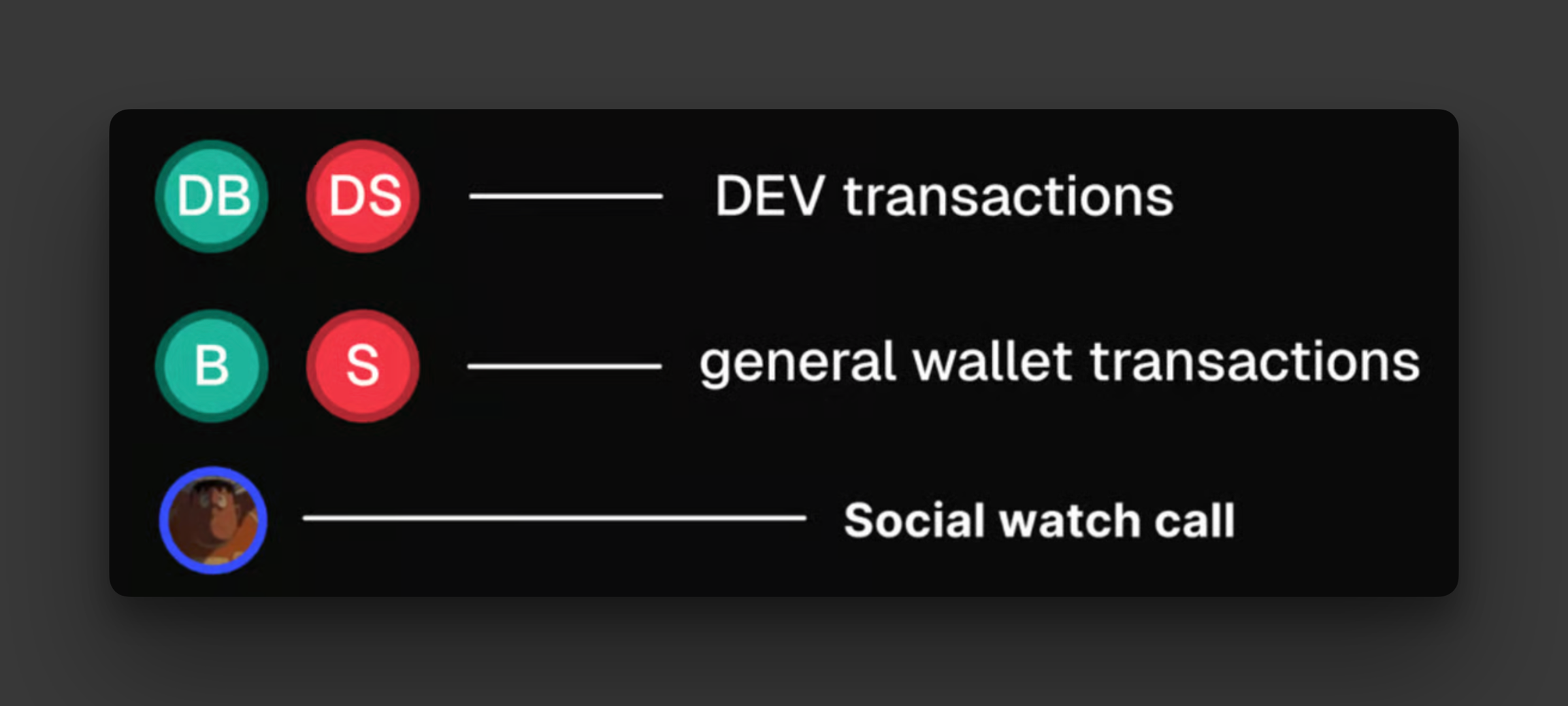
Specific BUY/SELL actions
DEV buys/sells.
My transactions buy/sell: visible while viewing the "my transactions" table.
View transactions made by a specific wallet filtered from the transactions table.
Library wallet buys/sells show the wallet icon associated with the specific wallet in the Library.
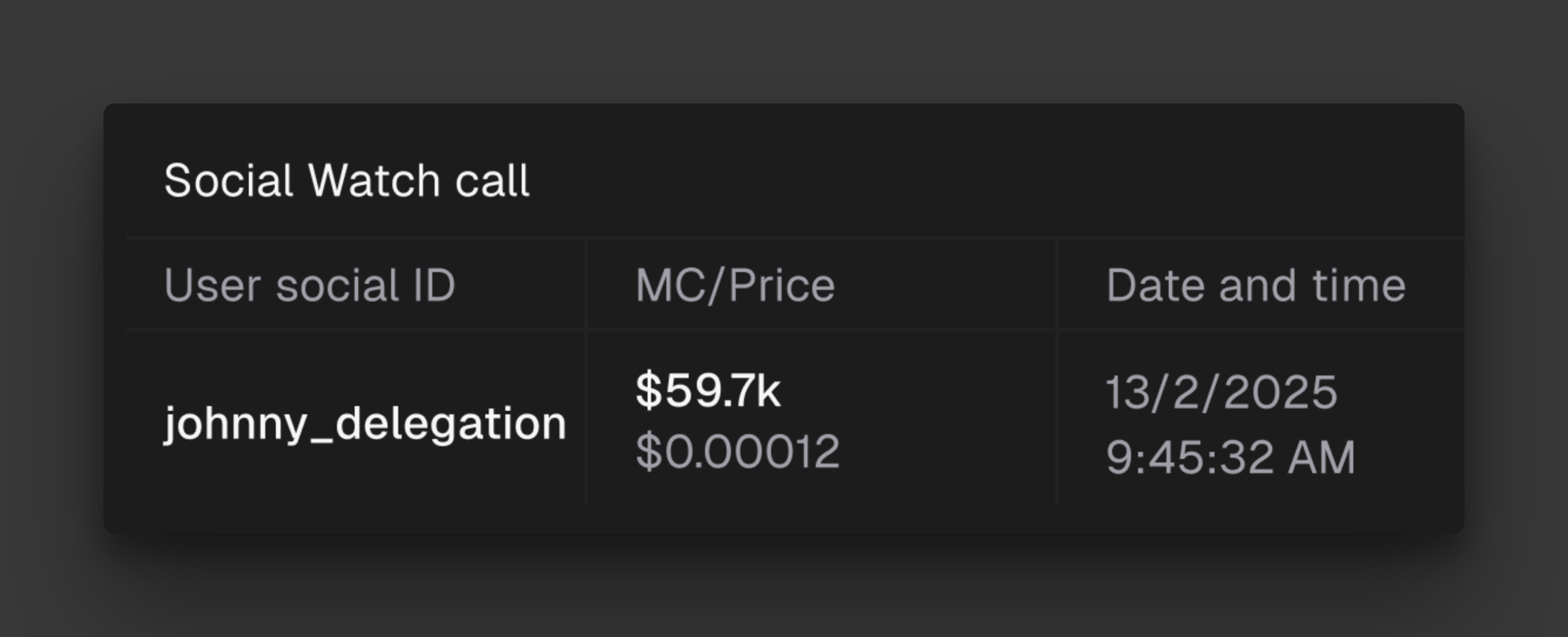
Social watch call made by tracked account.
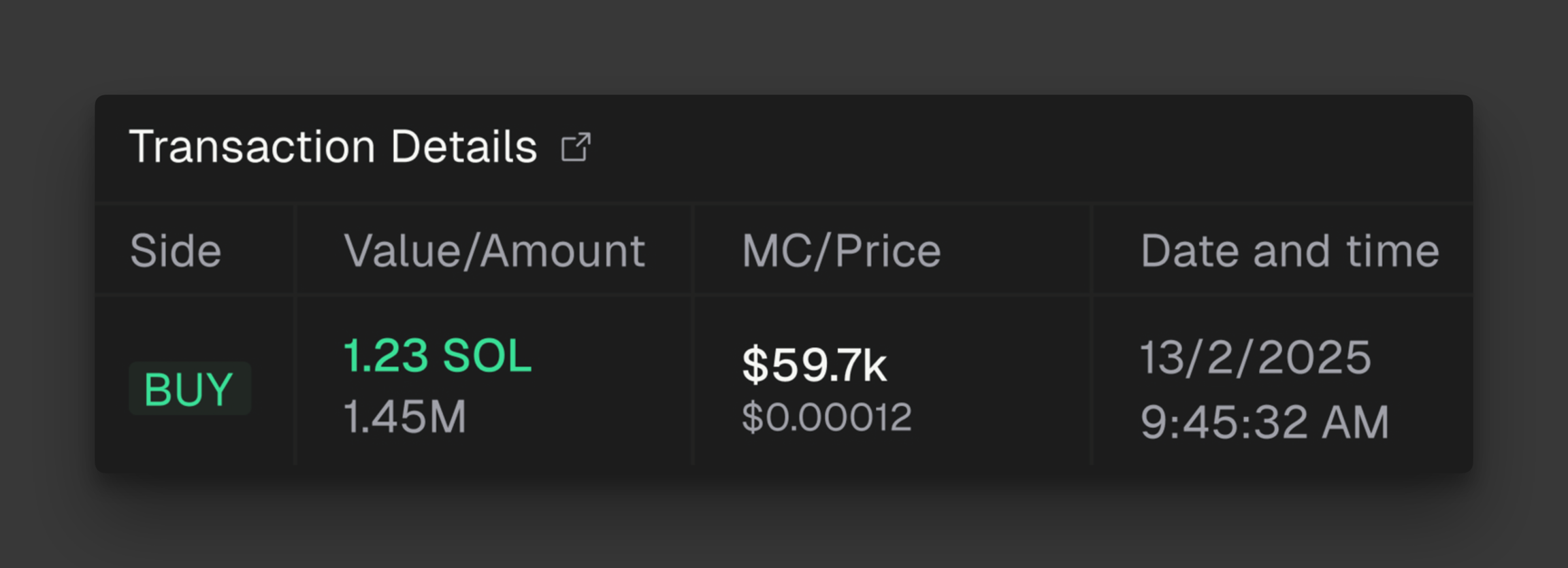
By hovering on all these icons indicating transactions performed by specific actors you can access additional data relative to the specific transaction:
Social watch calls
If a specific user tracked in Social Watch calls / has called the specific token, its social icon will appear on top of the chart. Hovering on it will show additional details: