Instant trade function

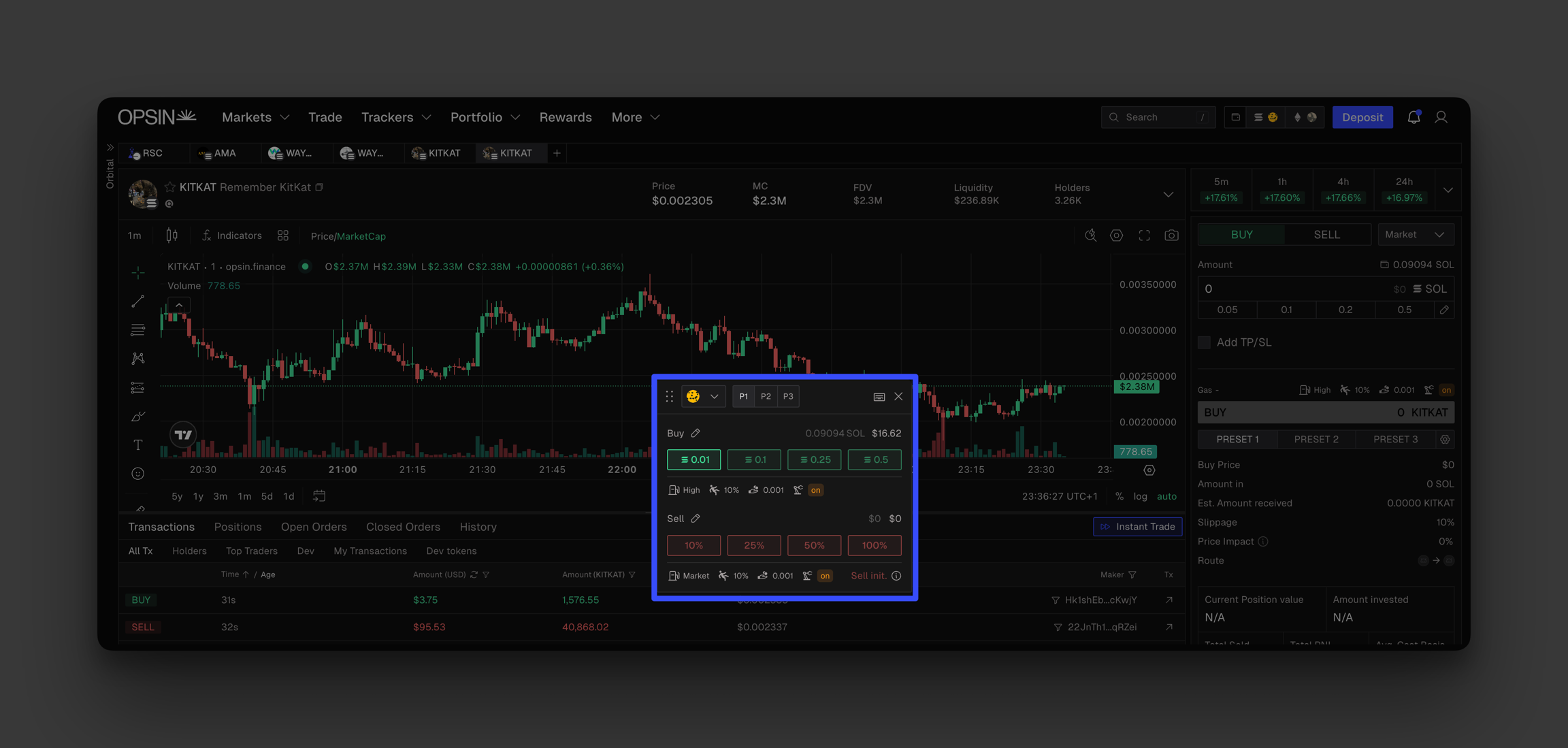
Instant Trade provides a fast, convenient way to execute trades directly from the Trading Desk. Activate it by clicking the button located in the token transactions table.
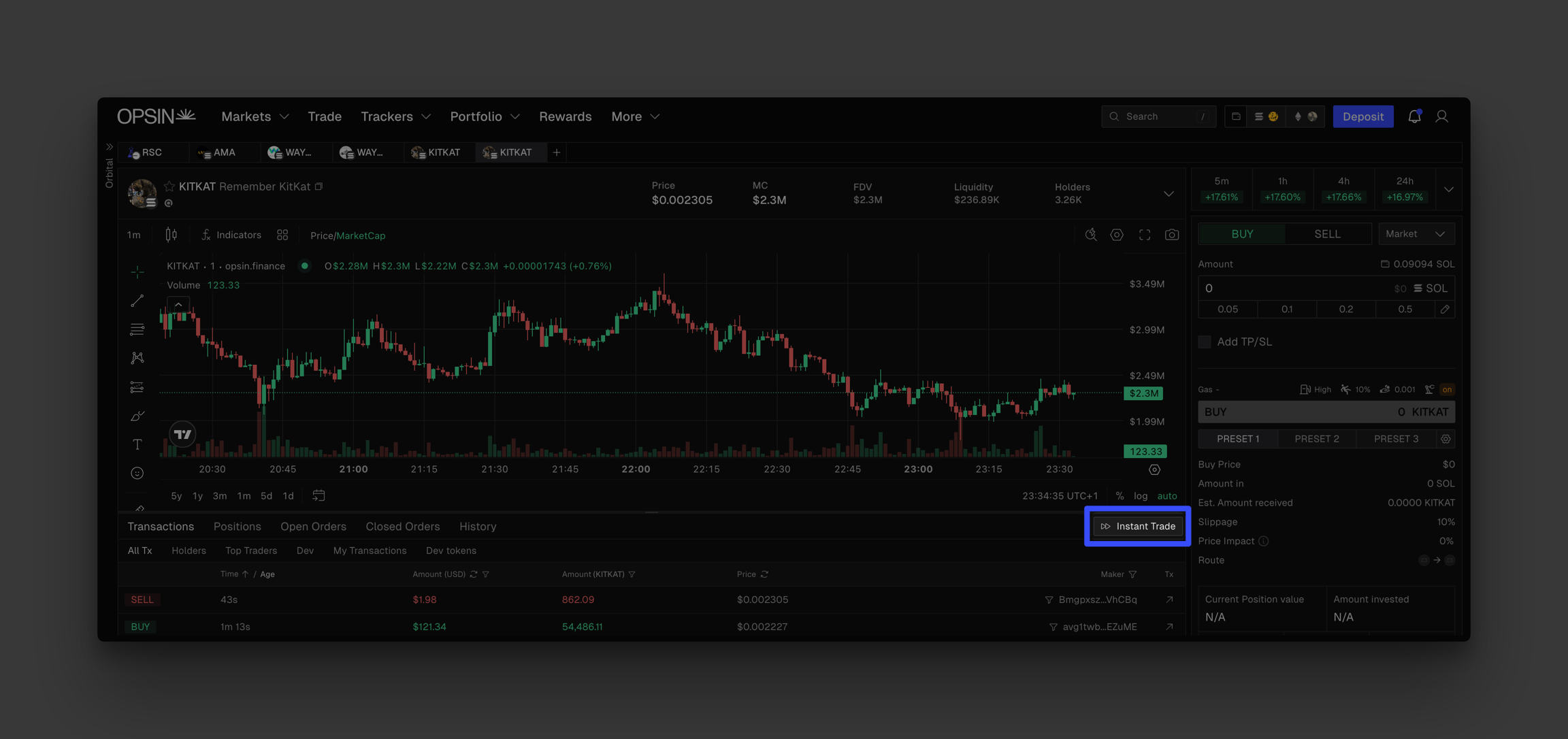
Once enabled, a floating trade panel appears. You can drag and position it anywhere on your screen. It automatically syncs with the selected token and applies your preset trade settings and amounts for immediate execution.

You can also enable hotkeys for faster actions:

  • Click the hotkey icon at the top of the panel to activate.

  • Hold the spacebar and press Q W E R or A S D F to trigger your predefined buy and sell amounts.

No additional confirmations are shown after triggering a trade. Orders are executed instantly.

When hotkeys are active, the icon turns blue. You can close the Instant Trade panel and still use hotkeys. The blue icon will indicate that instant trading remains enabled.

Last updated