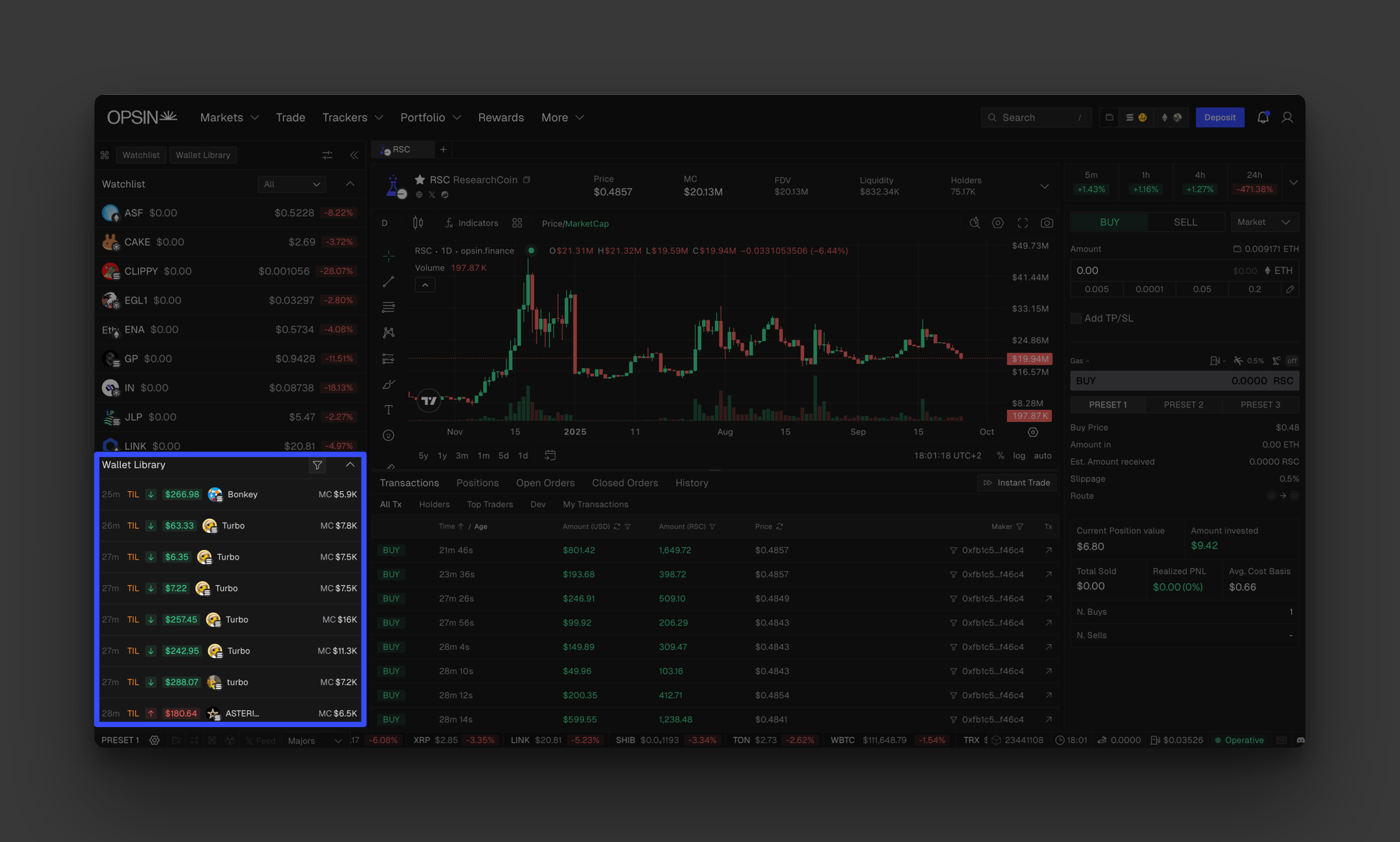
Wallet library
Discover OPSIN's powerful wallet tracking module.
Library isn't just a wallet tracker. It's a powerful module that helps you build, organize, and grow your wallet database in a way that's never been possible before.
Here you can organize and manage thousands of wallets with precision and speed.
Why library changes the game
Most traders stumble upon profitable wallet addresses through social media or block explorers, then lose track of them in a sea of bookmarks and screenshots. Library solves this by creating a systematic approach to wallet intelligence gathering that let's you build a curated network of onchain alpha sources that integrate seamlessly with your trading workflow.
All wallet labels automatically appear across OPSIN's Terminal, token pages, transactions, and wallet views. When you spot a tagged wallet making moves, you instantly know who you're watching and why they matter.
Adding wallets
Go to "Manage Library"
Click "Add Wallet"
Paste the wallet address you want to track
Name the wallet
Apply relevant tags for easy filtering and recognition (OPTIONAL)
Add the wallet to a bundle (OPTIONAL)
Tip: Instead of generic names like "Wallet 1", use descriptive labels like "Early BONK Buyer" or "GROK Insider" that immediately convey why this wallet deserves attention.
Import wallets and pre-made lists to follow

Real-time feed
You can track a real-time feed of all buy and sell actions from wallets you follow, right inside your Trading Desk. This lets you instantly spot key movements and act fast when it matters most. With one-click Quick Buy, you can react in seconds and catch trends as they happen before others.
The feed is located on the left bar when you open the Trading Desk.